
Welcome to the Arctic Blossom Prompt Library
Start here to learn how to navigate the library and find the right AI prompts, tools, and resources for your work.

Table of Contents
Browse the full library and find the right prompts, automations, templates, and resources for your next task.
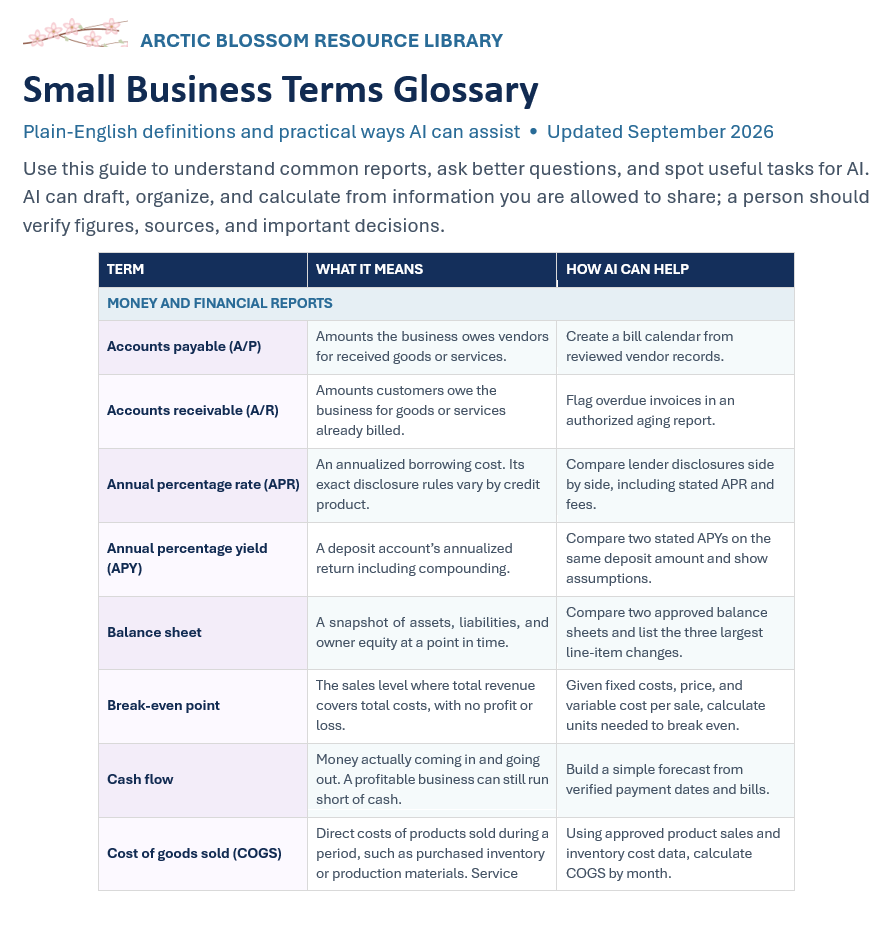
Arctic Blossom Small Business Terms Glossary
Small Business Terms Glossary
Build confidence with the business terms you encounter in finances, sales, operations, spreadsheets, and privacy. This glossary pairs plain-English definitions with practical examples of how AI can help. Alphabetized sections, sample calculations, and a starter prompt make it easy to find a term and put it into practice.

Create a Recurring SOP Review Reminder
Keep procedure reviews from slipping through the cracks. This recurring automation checks your SOP inventory, flags overdue and upcoming reviews, identifies missing ownership or dates, and drafts reminders for human approval.

Create a Daily Inbox Priorities Summary
Turn inbox overload into a focused daily brief. This automation highlights actionable requests, pending follow-ups, and account alerts while flagging suspicious messages for independent verification—without sending replies or changing your inbox.

Identify Bottlenecks and Repetitive Work
Spot where work waits, repeats, or changes hands. This prompt reviews your workflow, separates observed facts from possible bottlenecks, and ranks practical improvements your team can test without inventing time savings or removing required controls.

Create a Standard Operating Procedure (SOP)
Level: Intermediate
Use this guided AI prompt to turn process notes into a clear SOP draft, with step-by-step instructions, assigned responsibilities, and flagged gaps for your process owner to review.

Create a Daily Calendar and Deadline Brief
Start your day with a clear view of meetings, deadlines, and preparation needs. This automation creates a chronological brief, flags tight transitions and deadline conflicts, and highlights missing details—without changing your calendar.

Create a Step-by-Step Checklist
Level: Beginner
Use this guided AI prompt to turn routine process notes into a clear, step-by-step checklist, with completion checks and reminders for steps that need confirmation or approval.
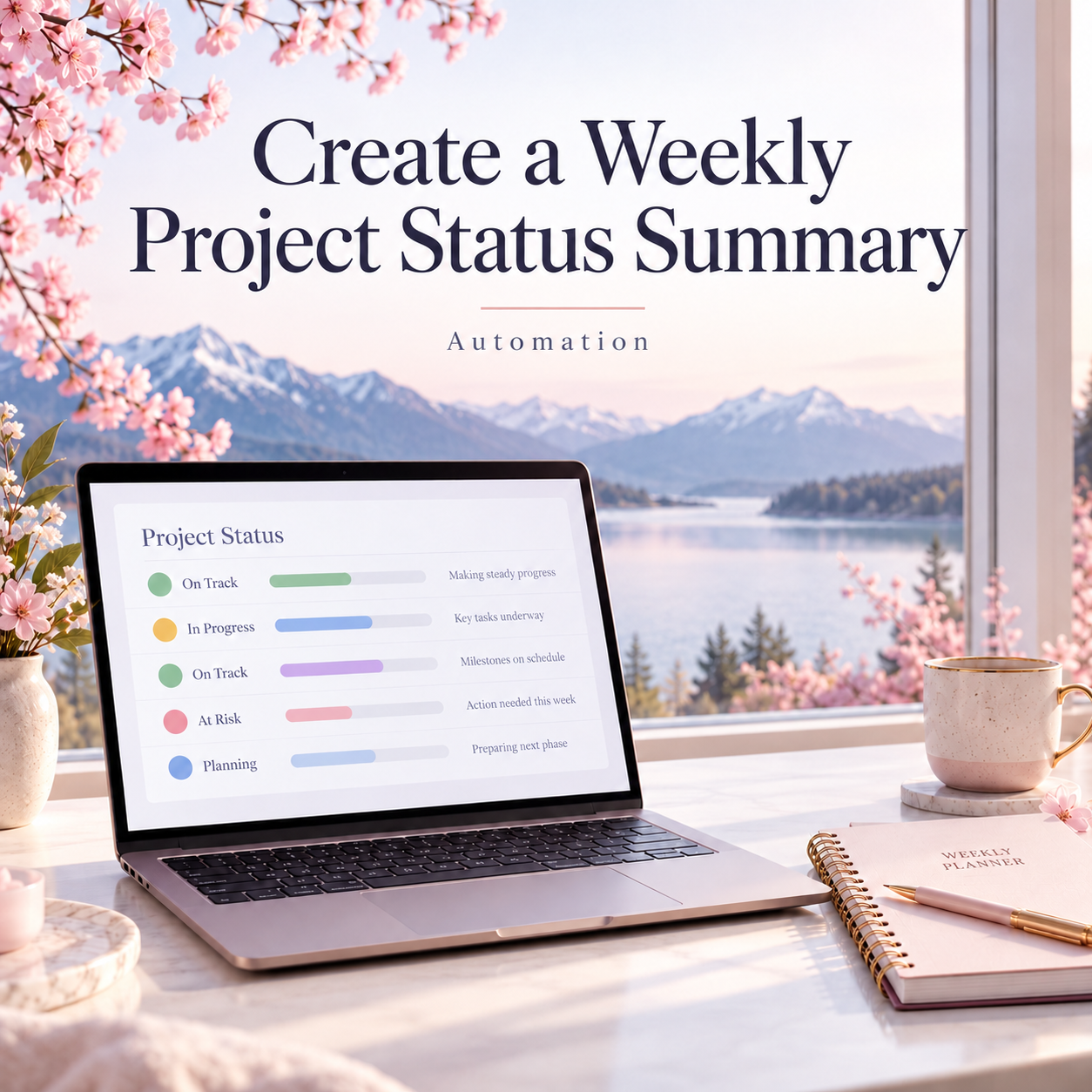
Create a Weekly Project Status Summary Automation
Difficulty: Intermediate
Turn scattered project notes into a clear weekly update. This automation helps you summarize completed work, flag blockers, and highlight upcoming deadlines—with a ready-to-use prompt and simple steps to customize it for your team.

Choose the Right Spreadsheet Structure
Difficulty: Beginner
Turn your spreadsheet idea into a clear, practical layout. Get suggested columns, sample rows, dropdowns, and useful summaries for a tracker that’s easier to update and maintain.
Automation: Daily Administrative Priorities Brief
Difficulty: Beginner to intermediate; connecting sources and scheduling may require additional setup
What This Automation Does
Creates a short morning brief from your approved calendar and task list: available time, three priorities, quick wins, conflicts, and deferred work. Once connected and scheduled, it retrieves fresh information each run without a daily input form.

Write a Clear, Professional Email
Level: Beginner
Use this guided AI prompt to draft a clear, professional email tailored to your audience, purpose, and preferred tone.

Write or Fix an Excel Formula
Level: Beginner to Intermediate
Use this guided AI prompt to write a new Excel formula or troubleshoot one that isn’t working as expected.

Build a Weekly Time-Blocked Schedule
Level: Intermediate
Use this guided AI prompt to turn your priorities, commitments, and available hours into a realistic weekly time-blocked schedule.