
Welcome to the Arctic Blossom Prompt Library
Start here to learn how to navigate the library and find the right AI prompts, tools, and resources for your work.

Table of Contents
Browse the full library and find the right prompts, automations, templates, and resources for your next task.
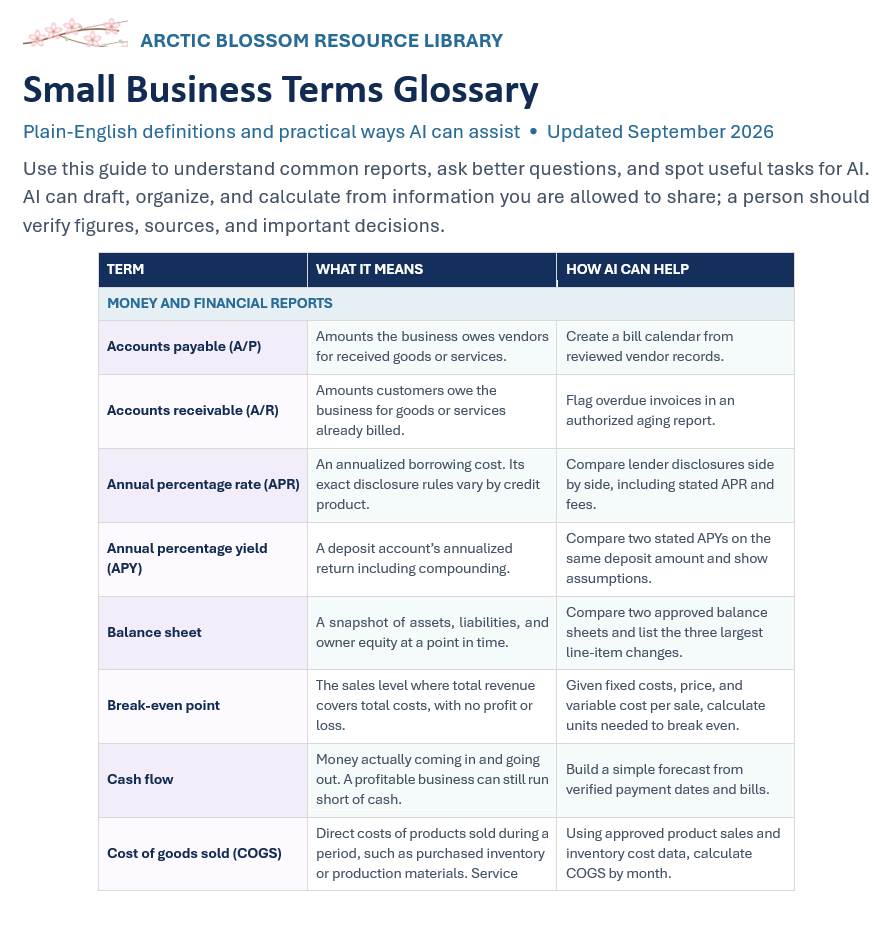
Arctic Blossom Small Business Terms Glossary
Small Business Terms Glossary
Build confidence with the business terms you encounter in finances, sales, operations, spreadsheets, and privacy. This glossary pairs plain-English definitions with practical examples of how AI can help. Alphabetized sections, sample calculations, and a starter prompt make it easy to find a term and put it into practice.

Flag Unusual Changes in Business Metrics
Learn how to use AI to spot unusual business metric changes, compare performance with historical baselines, and identify results needing human review.

Clean and Standardize Spreadsheet Data
Tired of fixing messy spreadsheets by hand? This AI prompt helps you identify inconsistent formatting, find possible duplicates, and get step-by-step cleaning instructions for Excel or Google Sheets—all while protecting your original data.
Route Incoming Emails Based on Topic or Urgency
Use AI to help classify incoming emails by topic and urgency. Includes manual and connected-workflow prompts, practical examples, and human review safeguards.

Communicate a Delay or Mistake
Not sure how to tell a client something went wrong? This AI prompt turns your rough notes into two professional email drafts—one direct and one reassuring—so you can communicate honestly, explain next steps, and maintain client trust.
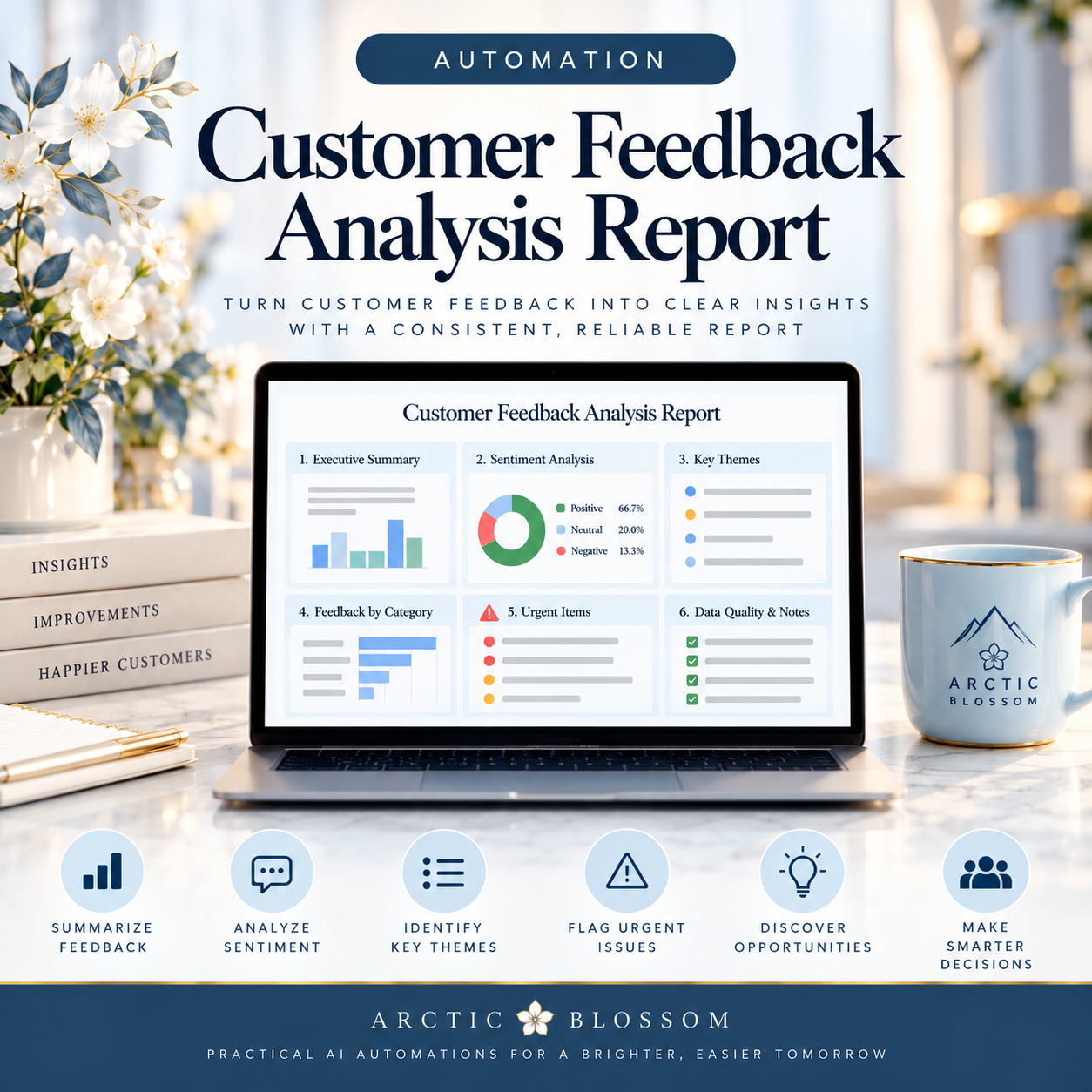
Automation: Create a Weekly Customer-Feedback Summary

Create a Meeting Agenda
Turn messy meeting notes into a focused, time-boxed agenda with clear discussion goals, assigned leaders, and realistic next steps. This AI prompt helps small teams prioritize decisions and avoid meetings that run long.

Create a Weekly Upcoming-Deadlines Summary
Turn scattered calendars and task lists into a clear two-week deadline report. Use AI to spot upcoming due dates, missing prerequisites, conflicting records, and potential scheduling risks before they become problems.

Create a New-Employee Version of an SOP
Is your company's SOP too complicated for new employees? This AI prompt helps turn existing procedures into clear, beginner-friendly training guides with step-by-step instructions, definitions, and completion checklists—while identifying details that need manager review.
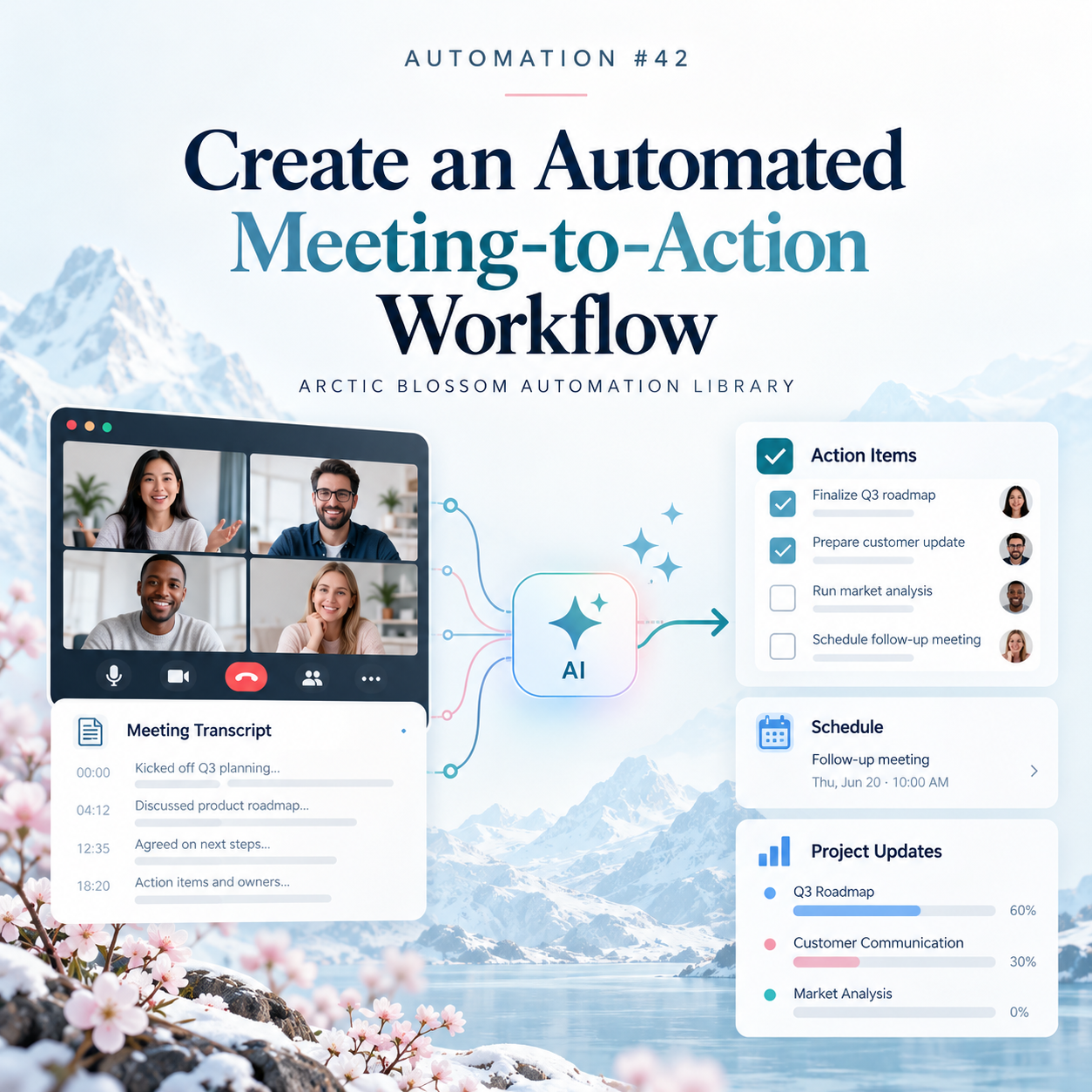
Create an Automated Meeting-to-Action Workflow
Turn meeting discussions into organized action items with AI. Learn how to identify confirmed commitments, prepare task drafts, flag uncertain assignments, and require human approval before work is published.

Decide What AI Can Safely Assist With
Before bringing AI into a workplace task, identify where it can help, what needs human review, and what should stop until an approved approach is available. This practical prompt turns a generic workflow description into a clear, conditional assessment.

Create a Recurring SOP Review Reminder
Keep procedure reviews from slipping through the cracks. This recurring automation checks your SOP inventory, flags overdue and upcoming reviews, identifies missing ownership or dates, and drafts reminders for human approval.
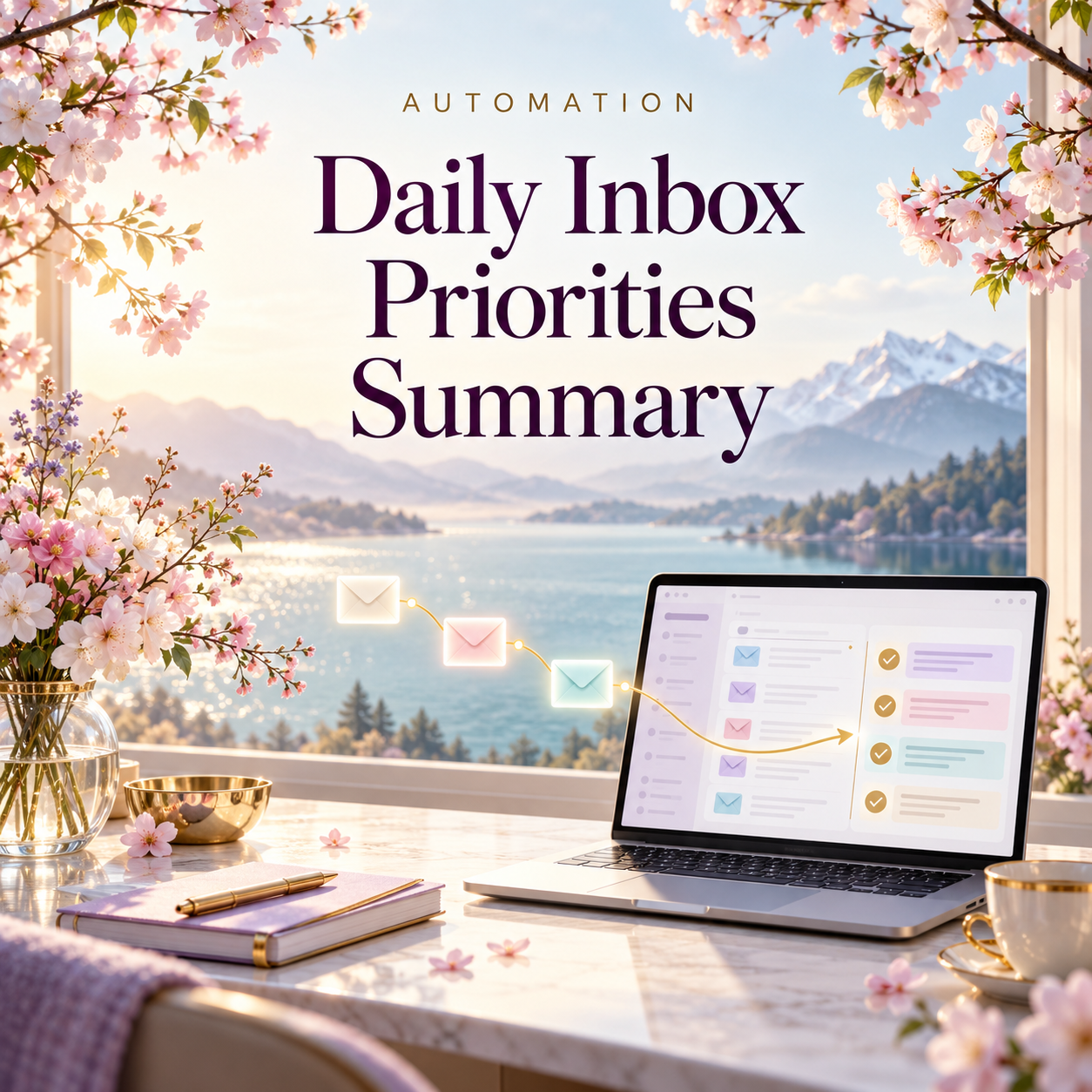
Create a Daily Inbox Priorities Summary
Turn inbox overload into a focused daily brief. This automation highlights actionable requests, pending follow-ups, and account alerts while flagging suspicious messages for independent verification—without sending replies or changing your inbox.

Identify Bottlenecks and Repetitive Work
Spot where work waits, repeats, or changes hands. This prompt reviews your workflow, separates observed facts from possible bottlenecks, and ranks practical improvements your team can test without inventing time savings or removing required controls.

Create a Standard Operating Procedure (SOP)
Level: Intermediate
Use this guided AI prompt to turn process notes into a clear SOP draft, with step-by-step instructions, assigned responsibilities, and flagged gaps for your process owner to review.

Create a Daily Calendar and Deadline Brief
Start your day with a clear view of meetings, deadlines, and preparation needs. This automation creates a chronological brief, flags tight transitions and deadline conflicts, and highlights missing details—without changing your calendar.

Create a Step-by-Step Checklist
Level: Beginner
Use this guided AI prompt to turn routine process notes into a clear, step-by-step checklist, with completion checks and reminders for steps that need confirmation or approval.
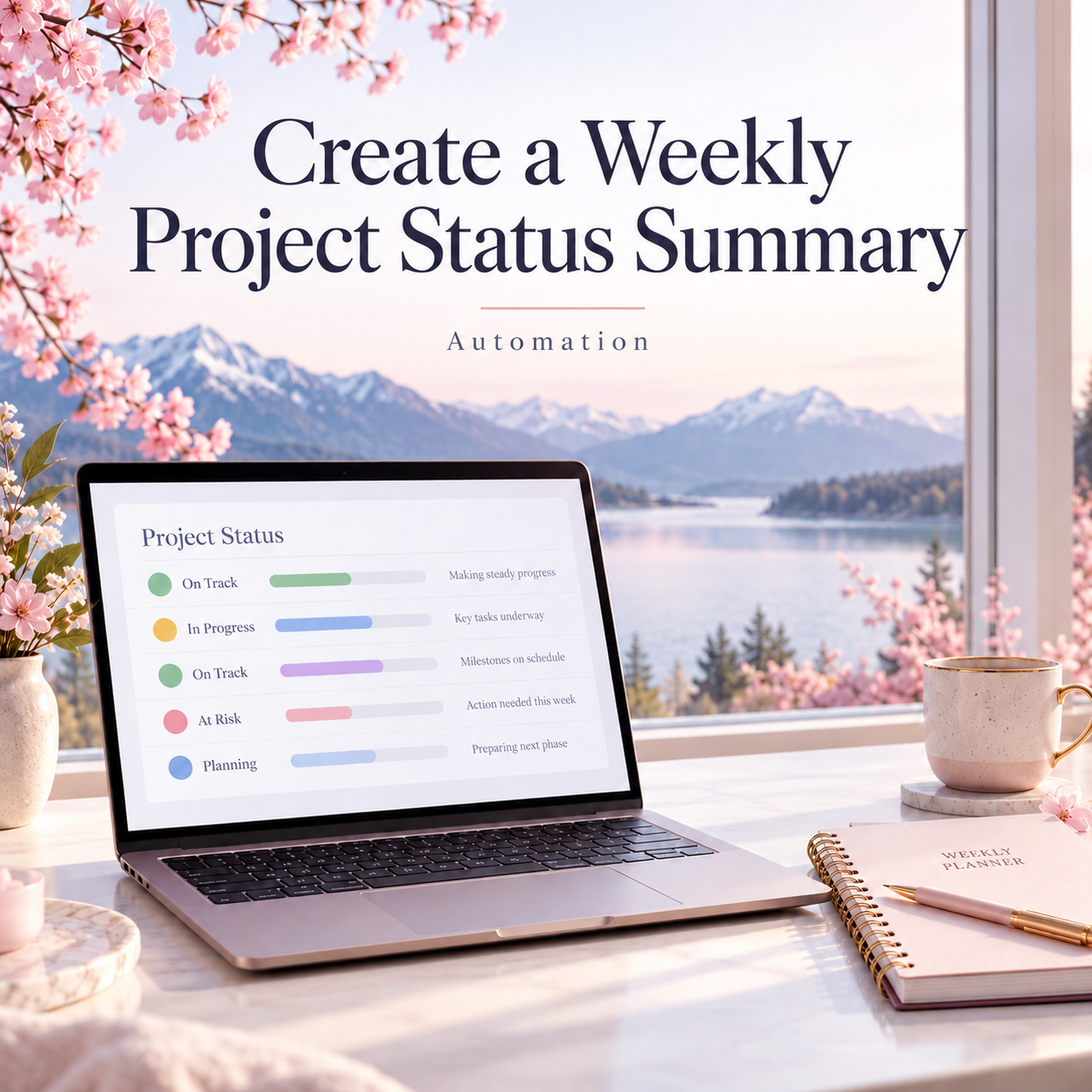
Create a Weekly Project Status Summary Automation
Difficulty: Intermediate
Turn scattered project notes into a clear weekly update. This automation helps you summarize completed work, flag blockers, and highlight upcoming deadlines—with a ready-to-use prompt and simple steps to customize it for your team.